
Remote Site
Findock uses Webhooks. To make your website accessible within Salesforce, the URL of your website must be added to the Remote Site Settings . To do this, follow the steps below:
- Go to Salesforce Setup and search for R emote .
- Then click Remote Site Settings in the search results.
- Click on New Remote Site
- Enter a name and the URL of your website running CampaignSuite.
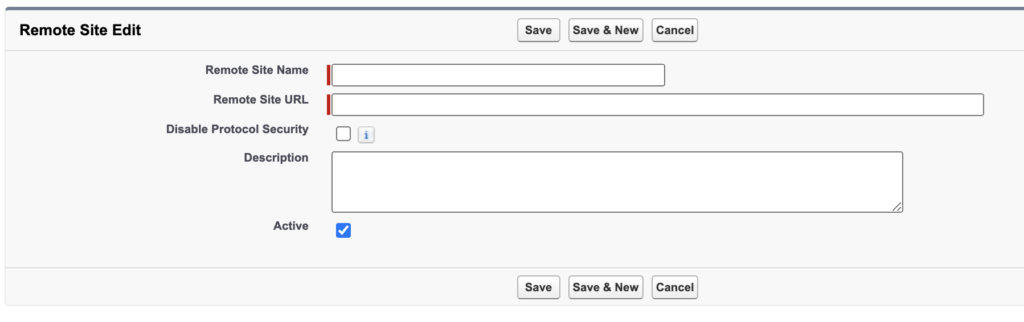
- Click on Save
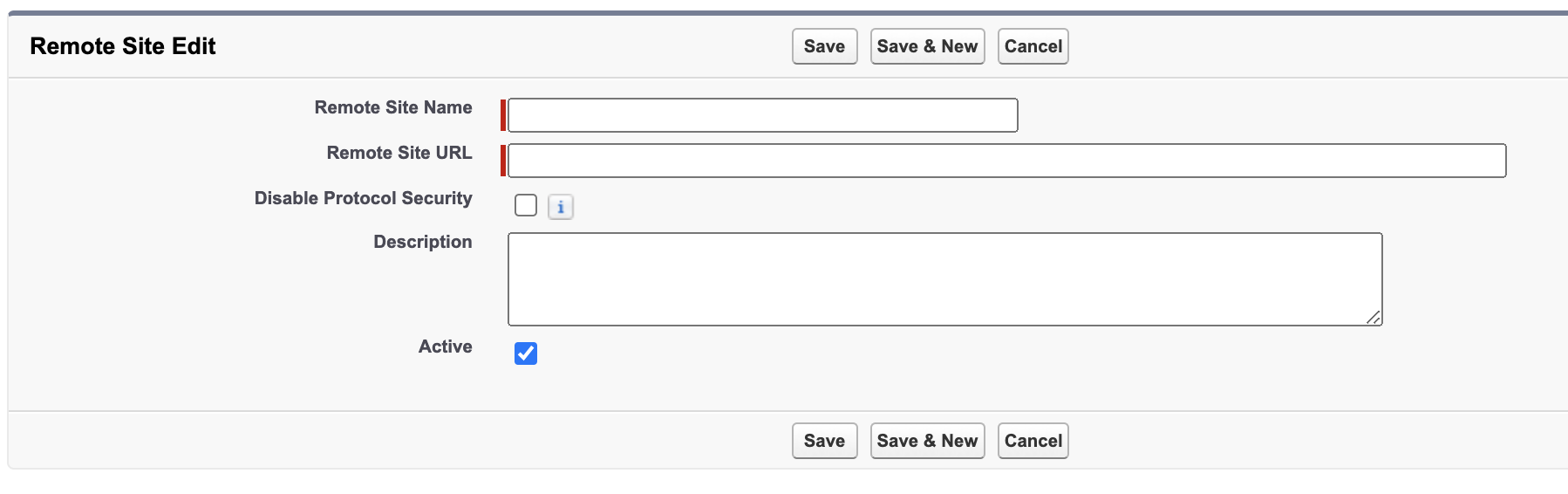
Your website has now been added as a secure website to be accessed by, for example, Findock.