The connection to Mautic is established through a OAuth 2 connection. Follow the steps below to set this up:
Log in to Mautic and click on the radar icon at the top right
Then go to API Authentication Information
Click on New in the top right corner
Choose at Authorization Protocol for OAuth 2
Enter a name that is recognizable to you for the connection
Enter the following value in the last field: https://api.campaignsuite.nl/v1/token/mautic/register This URL can also be found in the CampaignSuite settings.
Click on Save & close
In the next screen, copy the Public Key and Secret Key.
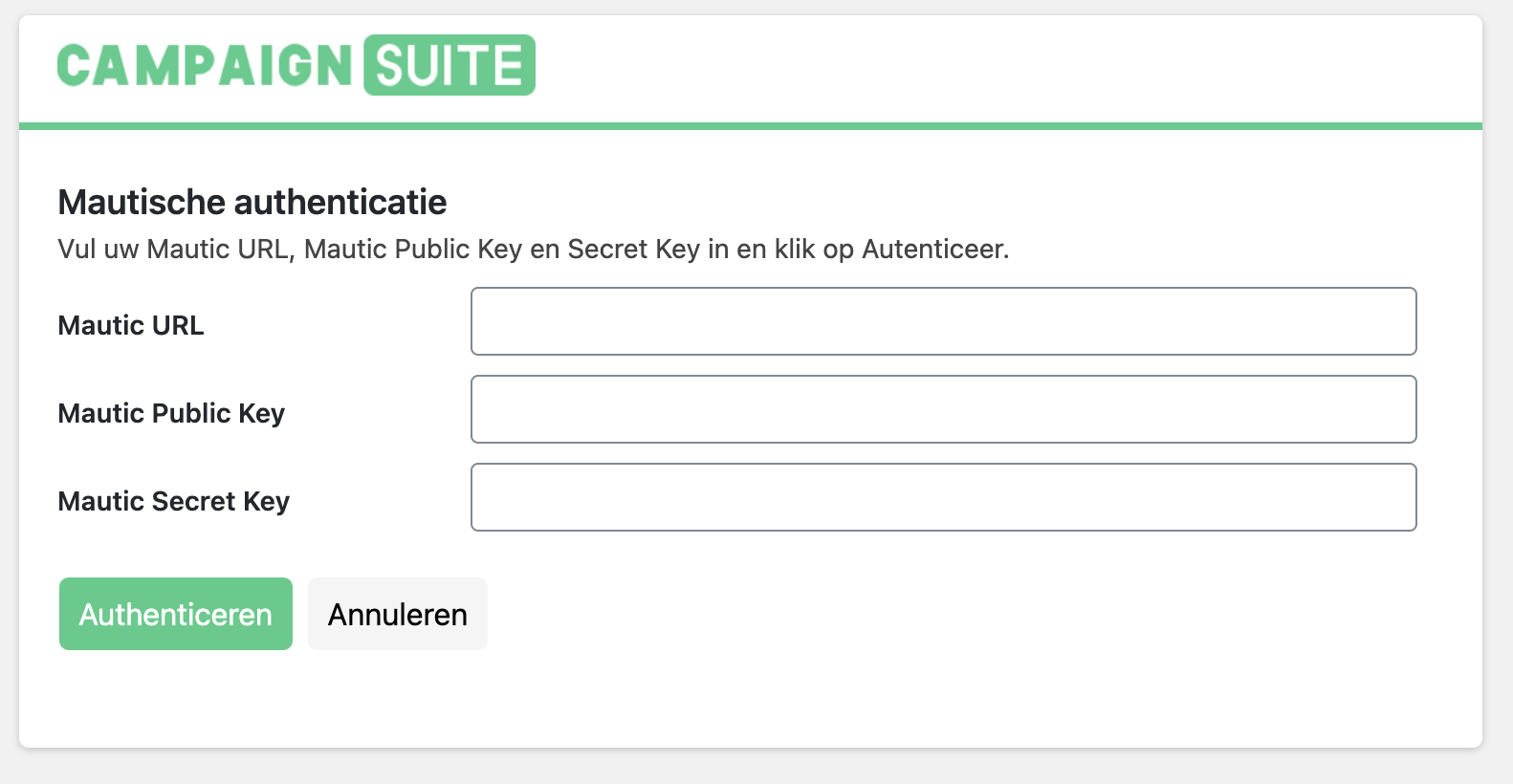
Now go to the Mautic tab in the CampaignSuite settings and click on Authenticate.
In this screen enter the URL of your Mautic instance and the just copied Public Key and Secret Key .
Finally, click on Authenticate to get to the Mautic login screen. Log in with your credentials to confirm the connection.
A connection has now been successfully established with your Mautic instance.