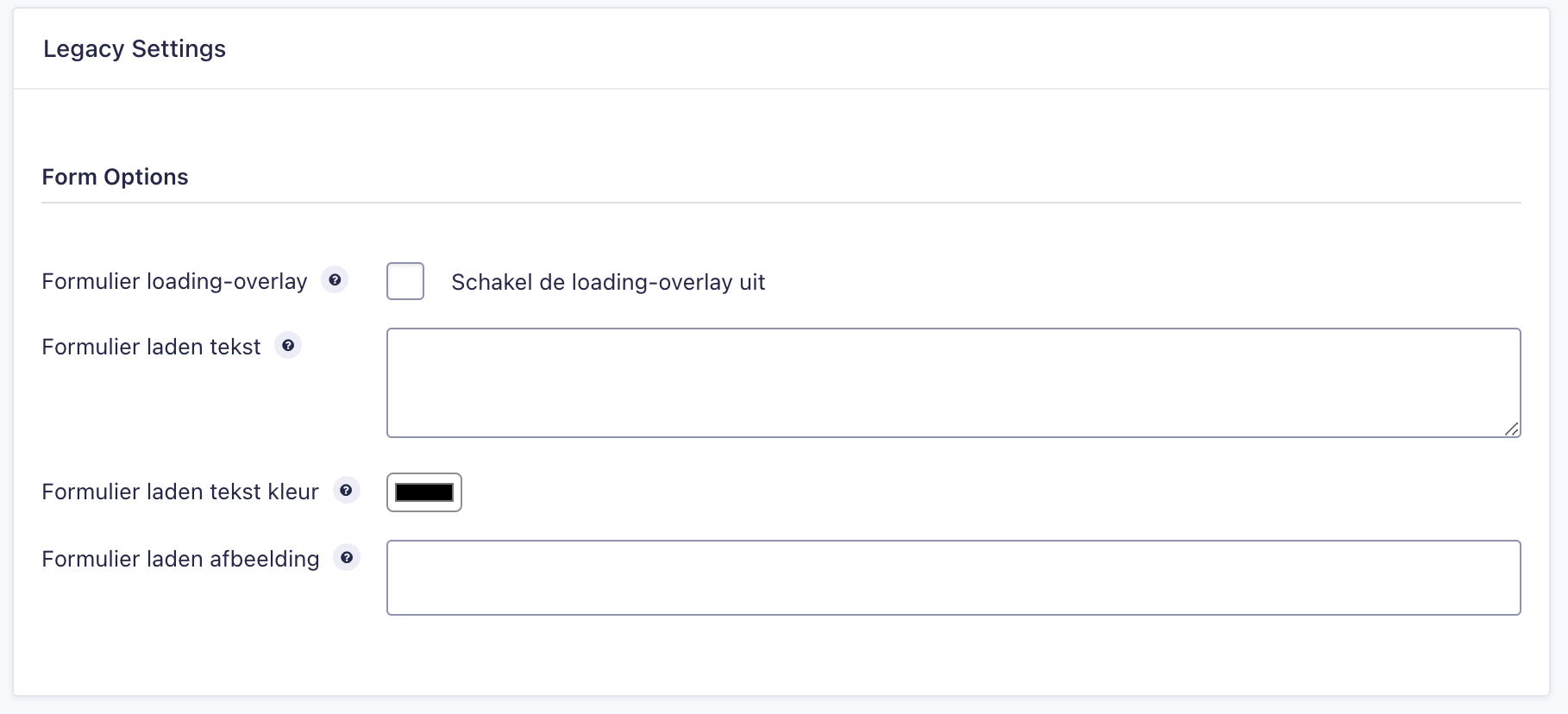
CampaignSuite adds three extra options to the settings of a form. These can all be found under Settings -> Form settings -> Form options
Form loading overlay If you have set in CampaignSuite to show a white loading overlay for all forms, you can specify here specifically with this form not to do so.
Load form text Enter a text here to show when the Gravity Forms form is loading.
Load form text color Choose a color here for the text that will be displayed using a color picker.
Load form image Optionally enter a link here to an online .gif image to display below the loading text.
Notice
The “load text”, “load text color” and “load image” only work if you have indicated in the CampaignSuite settings under the tab Gravity Forms that a white overlay must be loaded. Otherwise the loading text and image will not be displayed.