
Marketing Cloud Authentication
The connection to Marketing Cloud is established through a OAuth 2 connection. Follow the steps below to set this up:
- Go to the tab Marketing Cloud in the CampaignSuite settings and click on Authenticate.
- Enter the following information in the form:
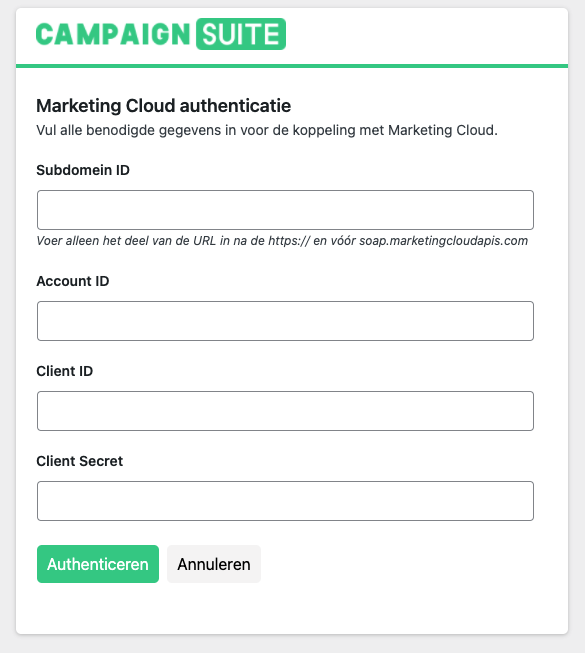
– Subdomain ID
This is a unique ID that can be found in the URL of Marketing Cloud. It is important that you only enter the ID here, and not the rest of the URL.
– Account ID
Enter your Marketing Cloud Account ID here
– Client ID
Enter your Marketing Cloud Client ID here
– Client Secret
Enter your Marketing Cloud Secret here - Click Authenticate.
- The connection has been established successfully.